Photo Booth (EN)
Coming Soon
A self-service photo booth: pick how many prints you want, pay with QRIS, and take the strip straight from the machine. No queue, no staff.
How it works
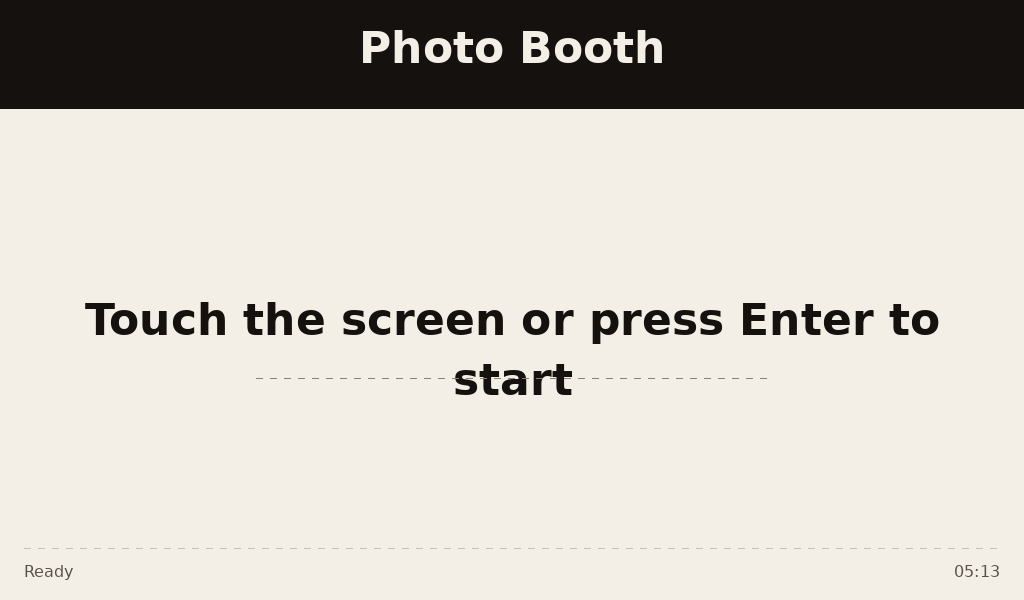
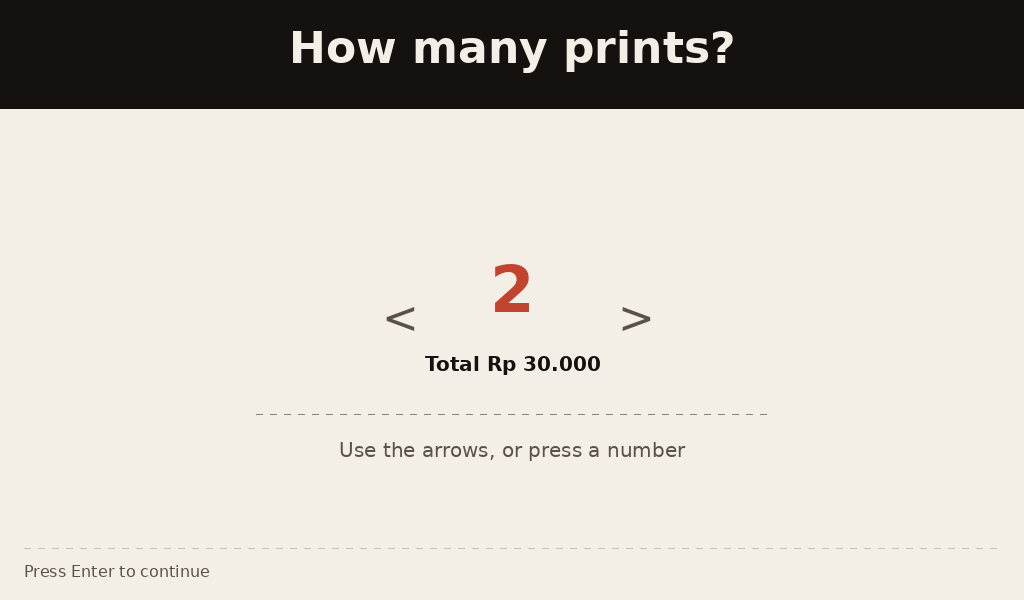
- Pick — touch the screen and choose how many strips to print.
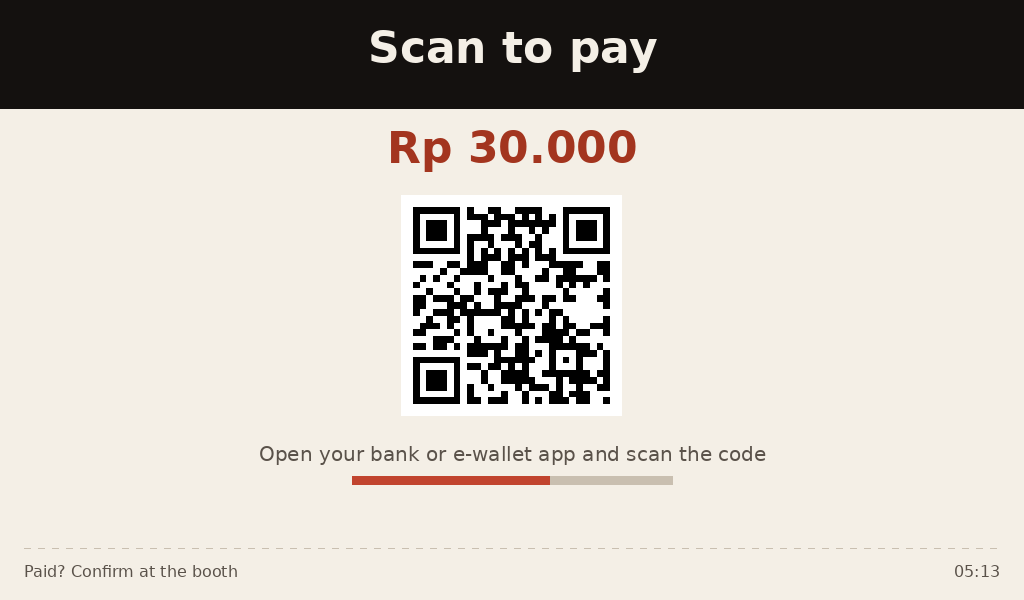
- Pay — scan the QRIS code with any bank or e-wallet app.
- Shoot — the photo session runs with an on-screen countdown.
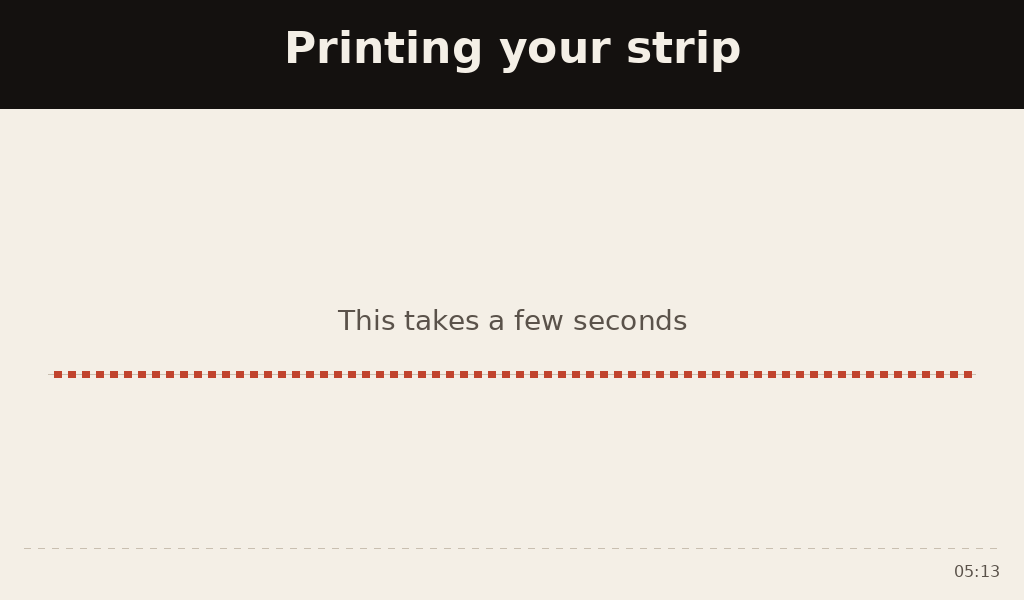
- Collect — the strip prints and comes out of the tray.
Booth screens
The real UI, drawn by the booth itself.
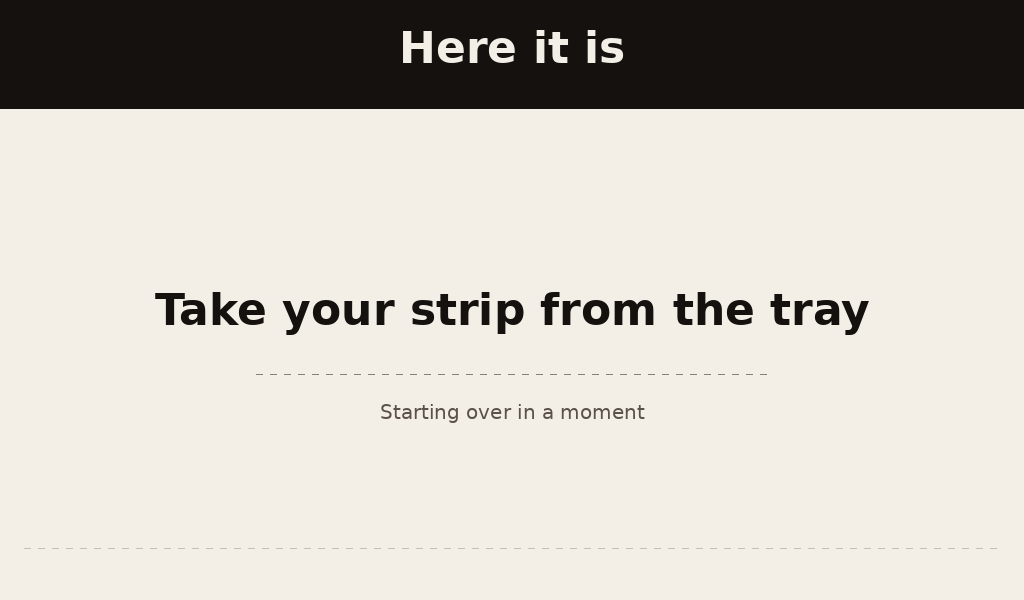
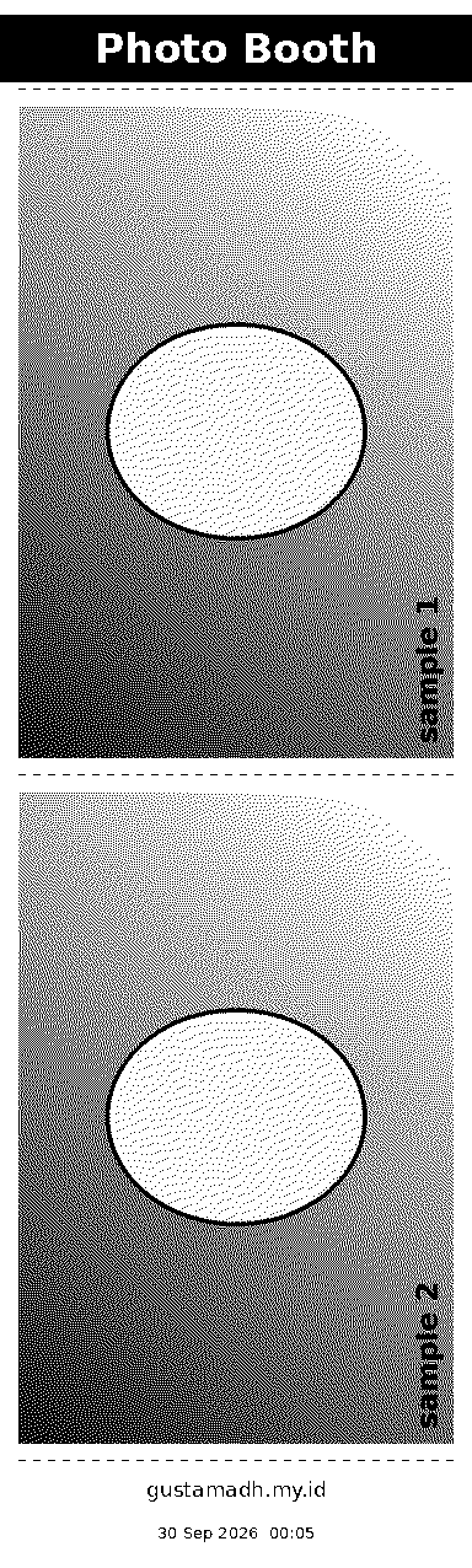
QRIS payment
The code is built automatically from the merchant's QRIS code, for the exact order amount, and the booth waits for payment confirmation before shooting.
The QRIS code in this preview is a demo code and cannot be paid.
Features
- QRIS payment — one code, every bank and e-wallet.
- Thermal printing — strips are ready instantly, no ink.
- Touch screen — a 7-inch panel, with physical buttons as backup.
- Automatic backup — every session is copied to storage.
- Unattended mode — runs without supervision.
- Admin panel — payment confirmation, pricing, and status.
Still in development — the UI and features may change.